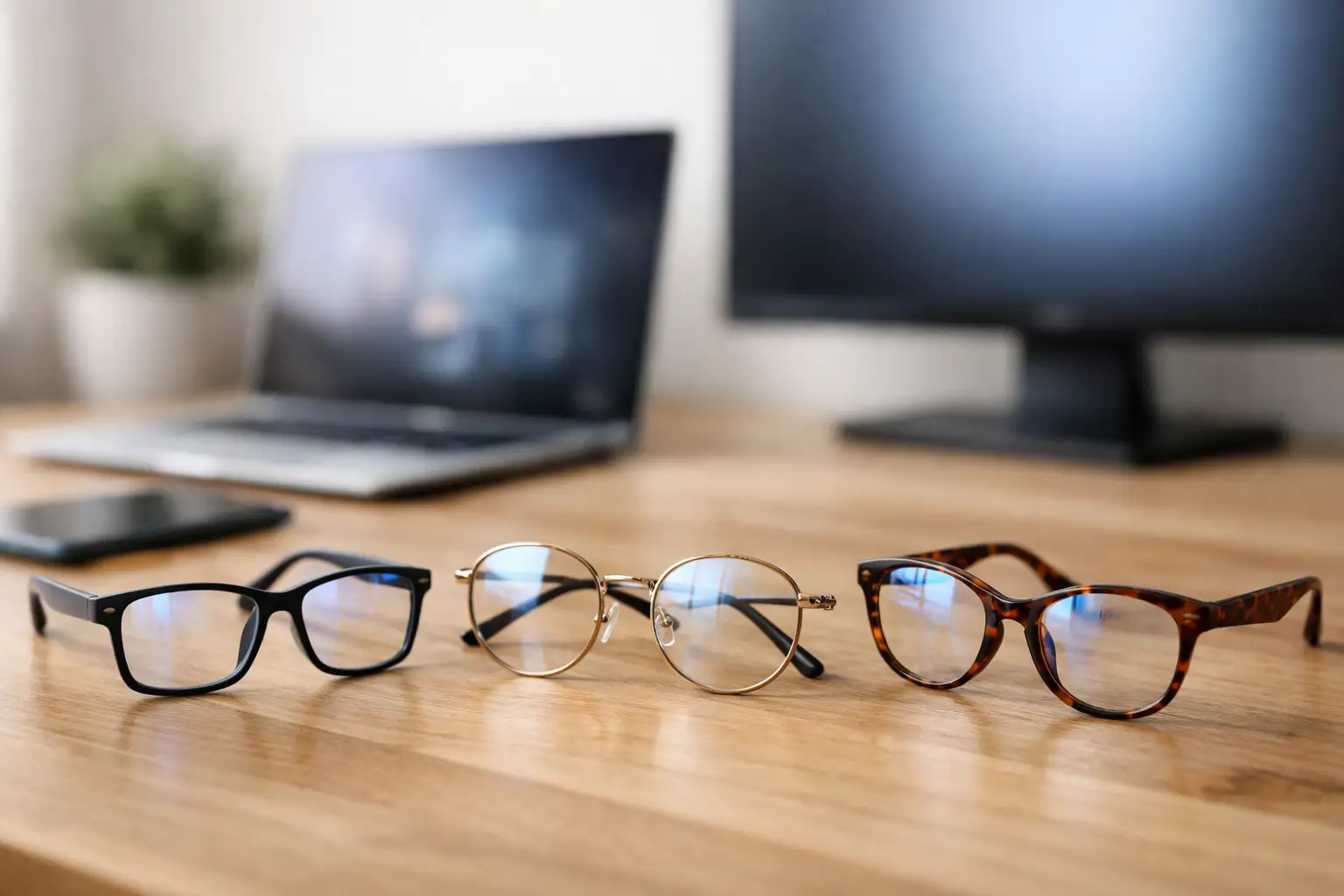
If your eyes feel tired by mid-afternoon, your current glasses may not be doing you any favours. The best glasses for screen use are not always the most expensive pair or the pair labelled with the latest buzzword. They are the ones matched properly to how you work, how long you spend on devices and whether you already wear prescription lenses.
A lot of people assume screen discomfort means they need blue light glasses. Sometimes that helps, but often the bigger issue is focus. Screens sit at a very specific distance, usually somewhere between reading distance and across-the-room distance, and that matters. If your prescription is slightly off for that range, or your lenses create extra glare, your eyes can end up working much harder than they should.
What causes eye strain from screens?
Screen use can lead to sore, dry or heavy eyes, blurred vision, headaches and a sense that focusing takes more effort as the day goes on. In many cases, the problem is not the screen itself but the combination of prolonged close work, reduced blinking, glare, poor contrast and an outdated prescription.
When we look at a monitor for hours, we tend to blink less often. That can make the surface of the eye dry out, especially in air-conditioned offices or heated rooms. At the same time, your eye muscles stay engaged at one distance for long stretches. If your lenses are not well suited to that distance, strain builds up gradually rather than all at once.
This is why choosing glasses for screen use should be based on symptoms and habits, not trends. A student working from a laptop, an office worker using two monitors and someone answering messages on a mobile phone all day may need slightly different solutions.
Best glasses for screen use depend on your prescription
If you do not normally wear glasses, non-prescription screen glasses may still offer comfort if glare is the main problem. But if you already wear prescription lenses, adding a basic blue light filter to the wrong prescription is unlikely to solve much.
Single vision lenses are often a good option for people who spend long periods at one main screen distance. They can be tailored specifically for computer work, which may feel more relaxed than wearing distance glasses while leaning forward to see clearly. For some people, especially those over 40, this makes a real difference because the eyes are naturally working harder to focus up close.
Varifocals can work well too, but it depends on the design and how your workstation is set up. Standard varifocals are made to cover distance, intermediate and near vision, but the intermediate area used for screens can sometimes feel narrow. If you spend most of the day at a desktop monitor, occupational lenses or computer lenses may be more comfortable because they give a wider usable area for screen and desk work.
Reading glasses are not automatically the answer either. They may suit a mobile phone or book, but a monitor usually sits further away. If the lenses are too strong for that distance, you may find yourself leaning back or constantly adjusting posture to compensate.
The role of occupational lenses
Occupational lenses are designed for indoor tasks such as screen work, reading documents and switching focus around a room. They are often one of the best choices for people who work at desks for much of the day and struggle with standard varifocals.
They are not meant for driving or long-distance viewing, so there is a trade-off. You may still need a separate pair for general use. But for comfort during working hours, they can be a much better match than trying to make one pair do everything.
Do blue light lenses really help?
This is where a bit of honesty matters. Blue light filtering lenses can reduce some glare and may feel more comfortable for certain people, particularly in the evening or under harsh artificial lighting. Some people also say they notice less squinting or that screens feel a touch softer.
What they do not do is magically prevent all digital eye strain. If your prescription is wrong, your eyes are dry or your monitor is positioned badly, a blue light coating will not fix the root cause. That does not make blue light lenses pointless. It just means they work best as part of a broader solution rather than the whole solution.
For many patients, anti-reflective coating is the more consistently useful feature. It cuts down reflections from screens and overhead lights, improves clarity and often makes lenses more comfortable for prolonged use. If you are deciding where to spend your budget, good anti-reflective treatment is usually worth serious consideration.
Features to look for in the best glasses for screen use
The most suitable lenses usually come down to a few practical details. First is the correct prescription for your main working distance. That might sound obvious, but it is often overlooked, especially if you are using an older pair of glasses that still feels mostly fine.
Second is lens coating. A quality anti-reflective coating can reduce annoying reflections and make visual tasks feel less tiring. Scratch resistance and easy-clean coatings are helpful too, particularly if you are taking glasses on and off throughout the day.
Third is lens design. Single vision computer lenses, occupational lenses and varifocals all have their place. The best option depends on whether you switch between devices, paperwork and face-to-face conversations, or stay focused on one monitor for hours.
Frame fit matters more than people expect. If your frames slide down, sit too close to your lashes or force you to tilt your head to find the right part of the lens, even a good prescription can become frustrating. Comfort is not a luxury here. It affects how consistently and effectively you can wear the glasses.
When lens coatings make the biggest difference
Coatings are especially useful if you work under bright office lighting, use multiple screens or often sit near windows. Reflections can make your eyes work harder without you realising it. Good coatings reduce that visual noise, which can make long days feel more manageable.
If you are regularly cleaning smudges from your lenses, a better surface treatment can also help. Marks and streaks lower clarity and encourage extra squinting, particularly on text-heavy tasks.
Signs your current glasses are not right for screen work
The clues are usually quite familiar. You may feel fine first thing, then develop headaches by lunchtime. You might notice that text sharpens only when you lean in or tilt your chin up. Some people find their shoulders and neck hurt because they are adjusting posture to compensate for what their eyes are struggling to do.
Blurred vision that comes and goes, dry eyes, trouble switching focus from screen to paper and tiredness around the eyes can all point to a lens issue. So can frequent rubbing, increased sensitivity to light or that fuzzy feeling at the end of the day when your concentration starts slipping.
These symptoms do not always mean you need a completely new prescription, but they are worth checking properly. A small adjustment can sometimes make a surprisingly big difference.
Glasses help, but they are not the whole answer
Even the best lenses cannot compensate for poor screen habits. Monitor height, viewing distance, room lighting and regular breaks all matter. If your screen is too high, too close or too bright, your eyes will still have to work harder than necessary.
The 20-20-20 rule is still useful – every 20 minutes, look at something 20 feet away for 20 seconds. Blinking more consciously can help with dryness, and keeping screens clean improves contrast and clarity. If you wear contact lenses and your eyes feel dry by the end of the day, glasses may simply be the more comfortable option for prolonged computer work.
A proper eye examination is the key step if screen use is becoming a daily problem. It gives you a clearer idea of whether the issue is prescription, dryness, lens design or a mix of factors. In practice, it is often a mix.
At an independent practice such as Eyespy Eye and Dental Care, that conversation can be more detailed and less rushed, which matters when your symptoms only show up in certain settings or at certain times of day.
So what should you choose?
If you use screens occasionally and do not wear glasses, a non-prescription pair with anti-reflective treatment may be enough. If you already wear glasses and still struggle, the best next step is usually reviewing your prescription and how it matches your working distance.
If you are over 40 or finding near tasks more demanding, occupational lenses are well worth asking about. If glare is your main complaint, prioritise anti-reflective coating and discuss whether blue light filtering is likely to help in your specific case. If you want one pair for everything, varifocals may still be right, but they need to be chosen and fitted with care.
The best glasses for screen use are the pair that make your working day feel easier, not the pair with the most marketing around them. When your lenses are properly matched to your eyes and your routine, you should spend less time thinking about your glasses at all – which is usually a very good sign.