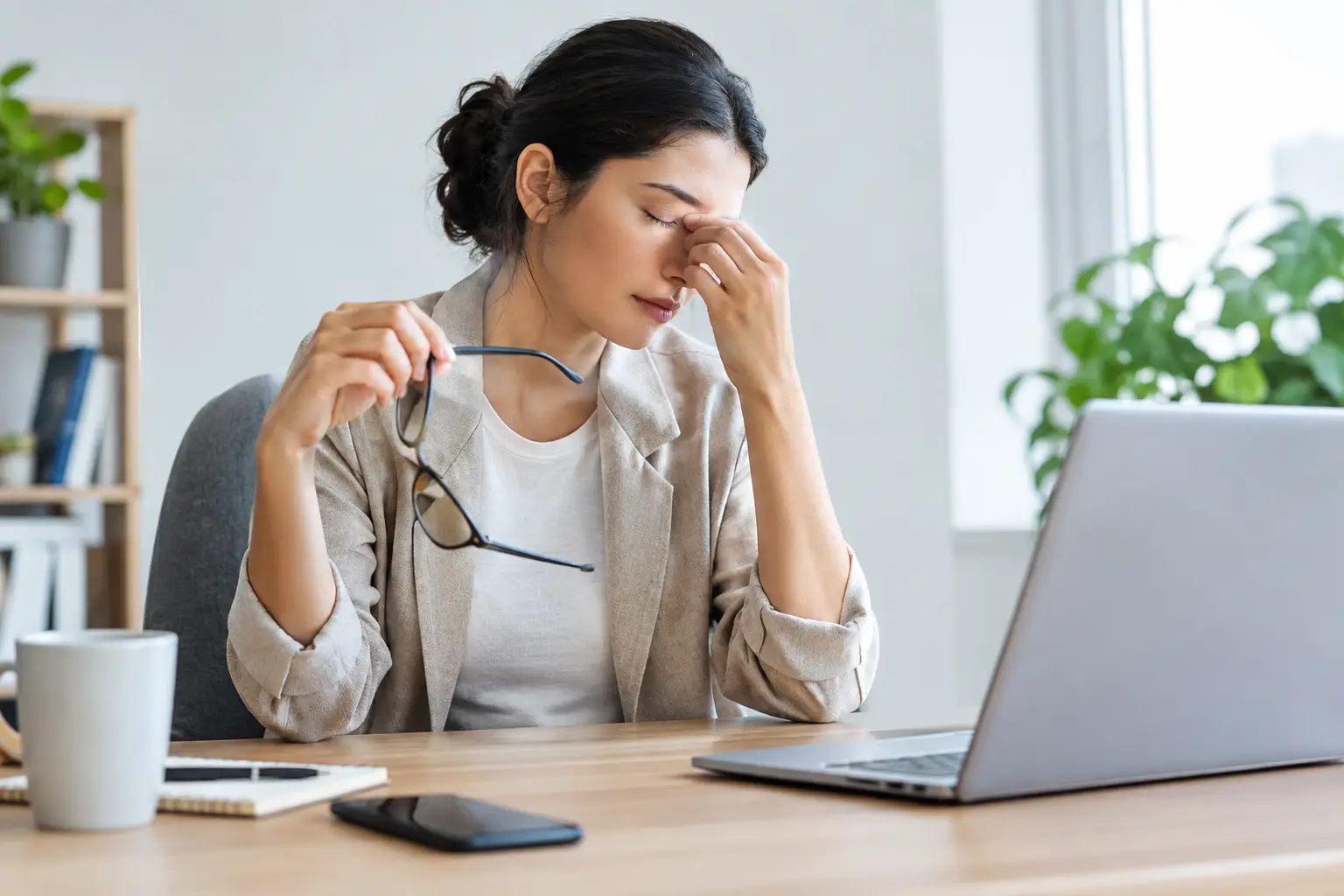
That heavy, tired feeling behind your eyes after a day of emails, video calls or scrolling is very familiar. Many people want to reduce screen-related eye strain, but the answer is rarely a single setting on a mobile phone or a pair of glasses. Usually, it comes down to how long you are looking at a screen, how often you blink, the way your workstation is arranged and whether your eyes are working harder than they need to.
Screen use is part of work, school and home life, so the aim is not to avoid it completely. It is to make everyday viewing more comfortable and to recognise when persistent symptoms deserve an eye examination.
What screen-related eye strain can feel like
Screen-related eye strain, often called digital eye strain, can show up in several ways. Your eyes may feel dry, sore, watery or unusually tired. Some people notice blurred vision after prolonged close work, headaches around the eyes or forehead, difficulty refocusing when looking across the room, or tension in the neck and shoulders.
These symptoms do not necessarily mean that a screen has damaged your eyes. More often, they suggest that your visual system is being asked to maintain close focus for too long, with fewer natural breaks and less blinking than normal. However, recurring discomfort should not simply be accepted as the price of modern life. An uncorrected prescription, dry eye, poorly fitting contact lenses or another eye health concern can all make screen time harder.
How to reduce screen-related eye strain day to day
The most effective changes tend to be simple and consistent. Small adjustments to your routine can make a meaningful difference by the end of the week.
Give your eyes regular distance breaks
When you concentrate on a screen, you naturally blink less and keep your focusing muscles engaged at one distance. The 20-20-20 approach is a useful prompt: roughly every 20 minutes, look at something around 20 feet away for 20 seconds. You do not need to measure the distance precisely. Looking out of a window or across a room is usually enough.
This is not a cure for every eye symptom, but it breaks up prolonged close work and gives your eyes an opportunity to relax. If your working day is busy, set a gentle reminder until the habit becomes automatic. A short break before discomfort starts is more helpful than waiting until your eyes feel exhausted.
Position the screen for comfort
A screen that is too close, too far away or positioned at an awkward angle can lead to unnecessary effort. For most people, a desktop monitor works well at around an arm’s length away, with the top of the screen at or slightly below eye level. Looking a little downward can also help reduce eye surface exposure, which may ease dryness.
With a laptop, the screen and keyboard are joined together, so compromises are common. If you use one for long periods, consider raising the screen and using a separate keyboard and mouse where practical. The best position depends on your prescription, your height and the task you are doing, so comfort matters more than chasing a perfect measurement.
Make text easy to read
Do not force yourself to read tiny text. Increase the font size, zoom in on documents and choose a clear display setting. If you find yourself leaning forward, narrowing your eyes or holding your mobile phone further away than usual, the text may be too small or your vision may need checking.
Brightness should suit the room rather than being set as high as possible. A very bright screen in a dim room can feel harsh, while a screen that is too dim may make you strain to see details. Adjust it until the screen is comfortable to view without appearing to glow against its surroundings.
Reduce glare, not just brightness
Glare is a frequent cause of discomfort, particularly in home offices and rooms with bright overhead lighting. Position your screen so that windows and lamps are not reflected directly in it. Closing a blind, changing the angle of a monitor or moving a lamp can be more effective than repeatedly altering your screen settings.
Try to avoid working with a bright window directly behind your screen or directly behind you. Even lighting around the room is generally more comfortable than strong contrast between a bright display and a dark background.
Remember to blink
Blinking spreads tears across the surface of the eye, keeping vision clear and comfortable. During concentrated screen work, blinks can become less frequent and less complete. This is one reason eyes may feel gritty, dry or watery after a long day.
Take a moment during breaks to blink gently and fully several times. Staying well hydrated and avoiding a fan or air conditioning stream blowing straight at your face can also help. If dry, irritated eyes are a regular problem, it is worth discussing it at an eye examination rather than relying indefinitely on self-treatment.
Are blue-light filters and special glasses necessary?
Many devices now offer night modes or blue-light filters, and some people find warmer screen tones more comfortable in the evening. These settings may be worth trying if they help you settle before bed, especially when you use devices late at night.
However, blue-light filtering is not a guaranteed solution for eye strain. For most people, screen distance, glare, dry eyes, long uninterrupted sessions and an out-of-date prescription are more likely to be the main issues. Be cautious of any product that promises to eliminate all screen discomfort.
Glasses can still make a genuine difference where they address a specific visual need. You may benefit from an updated prescription, lenses designed for the distances you use most, or advice about using contact lenses comfortably during long working days. The right option depends on your eyes, your prescription and whether you switch frequently between screens, paper documents and distance tasks.
Screen habits for children and teenagers
Children often spend long periods using screens for schoolwork and leisure, and they may not mention visual discomfort clearly. Watch for rubbing their eyes, headaches, sitting very close to a screen, losing their place while reading or avoiding tasks that require close attention.
Regular outdoor time, sensible screen breaks and a comfortable working position are helpful for children too. Encourage them to look away from close work regularly rather than focusing on strict timers alone. If you have concerns about their vision, an eye examination can check whether they are seeing clearly and comfortably for learning.
When eye strain needs professional advice
An occasional tired feeling after an unusually long day is common. It is a good idea to arrange an eye examination if symptoms are frequent, worsening or affecting your ability to work, drive, read or sleep. Headaches, repeated blurred vision, double vision, redness, pain, light sensitivity or sudden changes in sight should not be ignored.
A thorough eye examination does more than check whether you need glasses. It assesses how well your eyes focus and work together, reviews your eye health and gives you the chance to discuss the situations where symptoms occur. Bring details of your typical screen use, including whether you work from a laptop, desktop monitor or mobile phone, and whether discomfort is worse with glasses or contact lenses.
For patients in Leytonstone and nearby East London, Eyespy Eye and Dental Care can offer clear, personalised advice following an eye examination, without pressure or confusing jargon. Sometimes the answer is a prescription update; sometimes it is practical guidance on dry eye, working distance or lens use. The important thing is finding the cause rather than simply putting up with discomfort.
Your screen may be unavoidable, but sore and tired eyes do not have to be. Build short visual breaks into the day, make your workspace kinder to your eyes and seek professional advice when the problem keeps returning.